
Ticket sales and entrance checks need to connect.
Venue managers need to trace a ticket from purchase to validation on site.
TICKETING & GATE ACCESS
Ticketing connecting sales, ticket validation and access gates. Design a flow around your venue and on-site team.
Designed around your team, process and priorities.
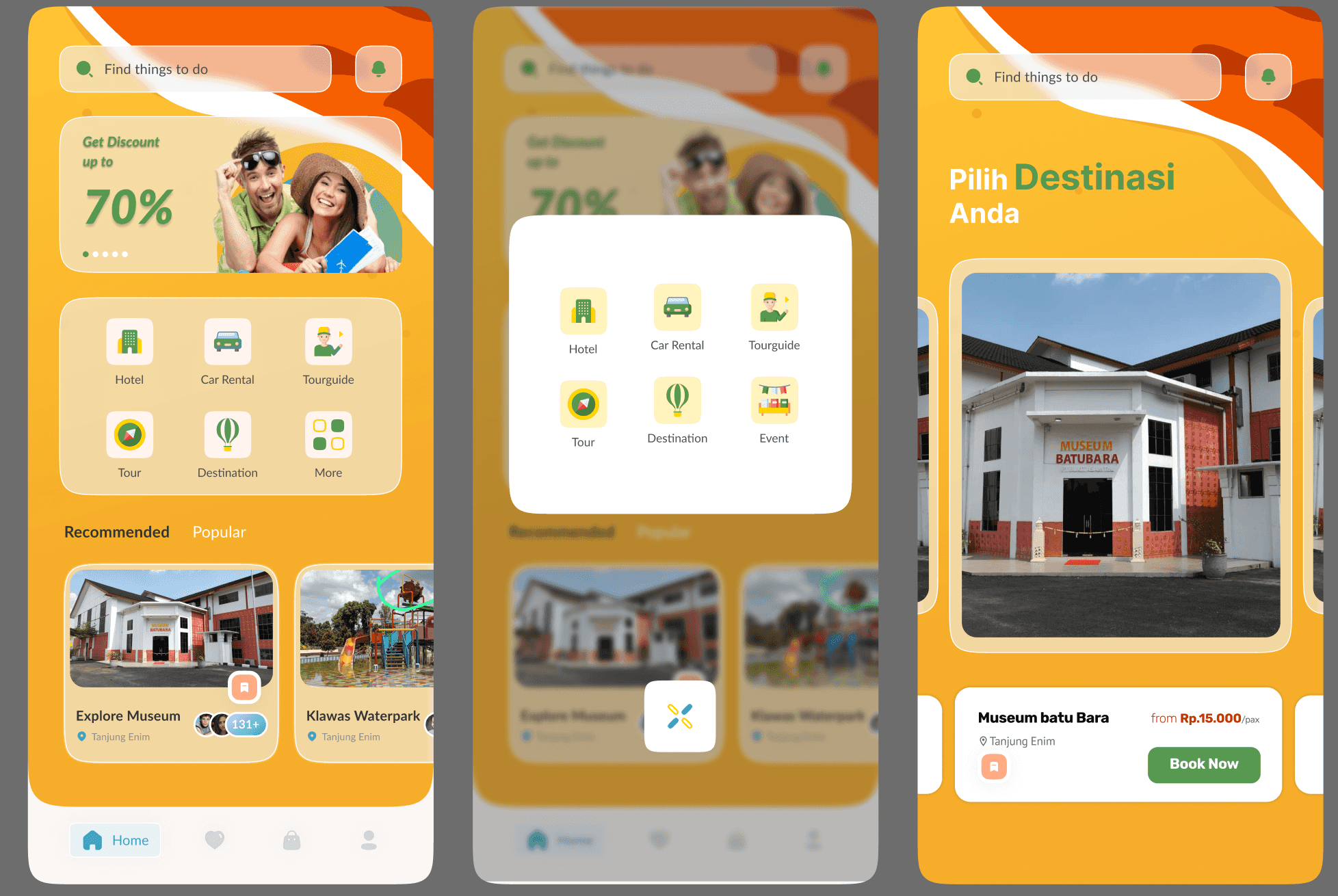
A visitor-property management system with access-device integration.
Read the project story ↗Some of the companies and institutions we work with






THE WORK BEHIND THE REQUIREMENT
Venue managers need to trace a ticket from purchase to validation on site.
Rules for used tickets, changed visits and connectivity issues need to be clear before hardware installation.
Gate type, connectivity, power and visitor patterns inform implementation planning.
A DAY AT WORK
An illustrative workflow. Rules and integrations are defined with your team.
Visitors & ticket sales
→Define ticket types, visit dates and the purchase channels to support.
Define packages, cancellation rules and payment providers.Staff & access devices
→Staff check ticket status. Ticket problems and network disruptions need their own handling flow.
Test devices, used tickets and on-site connectivity.Venue management
✓Management needs sales and access records to review visitor operations.
Define reporting periods, permissions and discrepancy handling.WHAT IT DOES
The scope below is a starting point. Modules and integrations follow the agreed project requirements.
Organize ticket options and the purchase flow around your venue.
Help staff check ticket status at the entrance.
Plan device integration around gate types, connectivity and on-site conditions.
Provide the sales and access records your management team needs.
FROM THE FIRST CONVERSATION
Review needs, scope and design together before moving into development.
Follow the work, review the data and identify handoffs.
Problems, users and prioritiesDefine modules, integrations, scope boundaries and acceptance criteria. Review the design before development.
Scope, workflows and acceptance criteriaTest functionality against relevant transactions and conditions. Use the findings for corrections and acceptance.
System and test recordsDiscuss data preparation, permissions, user guidance, responsibilities and support needed for adoption.
Implementation needs and responsibilitiesHardware and software are reviewed as one workflow. Gate types, readers, connectivity and existing equipment determine procurement and integration requirements.
Review connectivity early. Agree and test ticket checks during outages, record storage and synchronization after reconnection at the venue.
Review development, payment providers, devices, licences and support together. Pricing and usage rights are defined in the proposal for your system’s scope.