
Business Systems / OmindTech Journal
ERP integration starts with data agreements, not an API connection
How to map authoritative data, information flows, failure handling, and ownership before connecting an ERP to other systems.
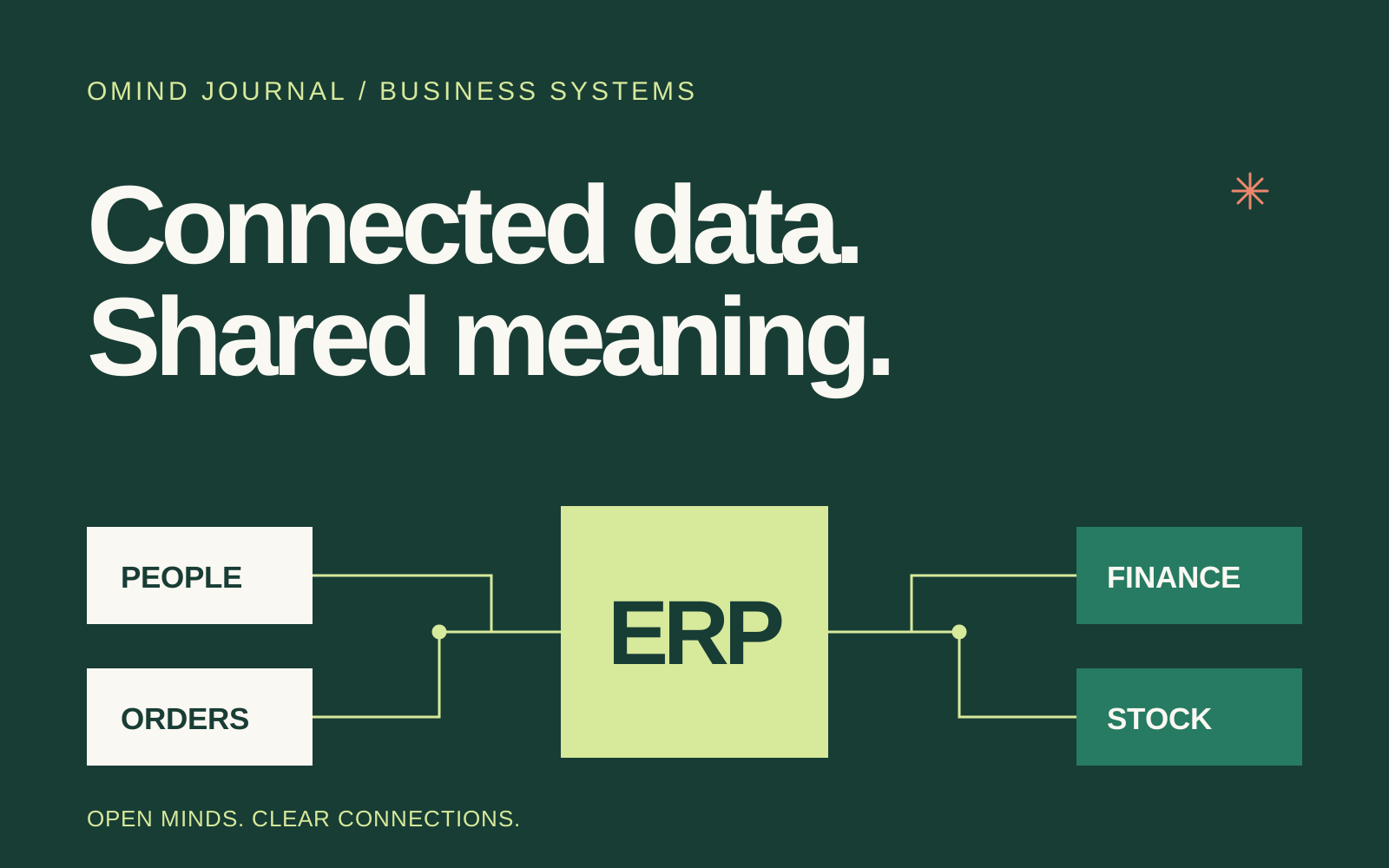
Connecting an ERP to sales, HR, or warehouse software can sound like a task of moving information between systems. But a successful connection does not prove that the business process is correct. Two applications can exchange information reliably while disagreeing on what “active customer,” “available stock,” or “completed transaction” means.
Integration planning therefore needs both business process owners and technical staff. The aim is not simply to deliver information. Everyone should understand what the information means, when it is used, and who resolves differences between the systems.
Define an authoritative source for each data type
Start with an entity list: customers, products, employees, orders, invoices, payments, and warehouse locations. For each entity, identify the authoritative system and the people allowed to change its information. Different entities can have different authoritative sources.
For example, an HR application may own employee records while the ERP owns the chart of accounts. If both applications may edit the same information, agree on conflict resolution. Avoid “use the latest value” unless an update timestamp actually represents a valid business decision.
Describe a specific exchange workflow
Replace “synchronize orders” with an event sequence: an order is confirmed, information is sent to the ERP, the ERP returns a document identifier, and the source application displays the resulting status. Explain whether the exchange happens immediately, on a schedule, or after a user action. This choice should reflect operational requirements and the capabilities of the systems involved.
Document changes and cancellations too. If an order changes after reaching the ERP, should the document be updated, cancelled, or corrected through another document? The answer needs to follow the team’s working rules, rather than being determined solely by the API’s shape.
Agree on field mappings using real examples
Create a mapping table with source and destination field names, data types, units, required values, and transformation rules. Use examples representing business variations: customers without telephone numbers, products sold in different units, or transactions containing discounts and rounding adjustments.
- Identity: how is the same customer or transaction recognized in both systems?
- Amounts: does a value include tax, discounts, or additional charges?
- Time: which time zone is used, and what does the transaction date represent?
- Status: which status pairs are valid, and which transitions are allowed?
- Missing data: should the exchange be blocked, completed manually, or flagged?
An approved mapping becomes both an implementation guide and a reference for investigating discrepancies. Record its version and decision owner so later changes remain understandable.
Design failure handling as part of the workflow
A destination may be unavailable, a connection may drop after information has been accepted, or the same request may be retried. Agree on how repeated submissions are recognized so they do not create duplicate transactions. Identify the reference information to retain, the status operators can see, and the situations requiring manual review.
Users do not always need technical error messages. They need to know whether work is still processing, has failed, or requires action. Support staff need additional context such as transaction identifiers, timestamps, and the failure stage, without exposing unnecessary sensitive information.
Test business outcomes, not just connection responses
Follow a transaction through to its final result. Check that the document belongs to the correct party, amounts match, cancellations appear correctly, and reports can be reconciled. Include retries, incomplete information, and temporary interruptions. A successful technical response does not replace checking the transaction’s content and effect.
Before launch, select examples approved by the process owner. Where the agreed scope allows, test in a separate environment with restricted access. Decide how information will be reconciled after cutover and what the team will do if differences appear. Record what was verified and any dependencies that remain open.
Assign operational ownership
Once the integration is live, someone must monitor failures, investigate differences, manage access, and coordinate changes to the source and destination systems. Document contacts and an escalation path. A structural change in one application needs an impact review before it reaches the shared workflow.
This preparation makes an integration discussion concrete. Explore the scope of the SCALA ERP project, review our technology consulting service, or discuss the systems you want to connect with OmindTech.
Join the conversation.
Read reader responses, ask a question, or share your experience.
Keep exploring.
All articles
Technology
Software Houses in the AI Era: Relevant or Replaced?
Amidst the deafening roar of the AI revolution, a crucial question arises: will the role of software houses be eroded? At OmindTech, we understand this concern. This article will guide you through how artificial intelligence, far from being a threat, is actually opening a new chapter for software houses, allowing them to transform into indispensable strategic partners. Let's dive deeper into this shift and uncover the true value that human expertise firmly holds amidst a sea of AI-generated code.

Technology
Programmers in the AI Era: Collaborators or Replacements?
The rise of Artificial Intelligence sparks a big question: will the role of programmers diminish? At OmindTech, we see this not as a threat, but an evolution. AI actually opens new opportunities, transforming programmers from mere code writers into innovative solution architects shaping the future of technology.

Business Systems
Orkesa.id: Business Transformation with OmindTech's Integrated System
Imagine an orchestra where every instrument plays in perfect harmony, creating a beautiful symphony. That's how Orkesa.id works for your business. At OmindTech, we understand that managing various operational aspects – from finance to customer interactions – can be a significant challenge. Orkesa.id emerges as a digital conductor, unifying ERP, CRM, sales automation, and even chatbots, transforming chaos into a symphony of efficiency and growth.
LET’S WORK TOGETHER
Start with your story.
One conversation can open up a new perspective. Tell us about your challenge.