
Web Development / OmindTech Journal
Website finished? What a proper handover should include
A handover is more than receiving a website address. Check ownership, access, documentation, content, and operational readiness before closing a project.
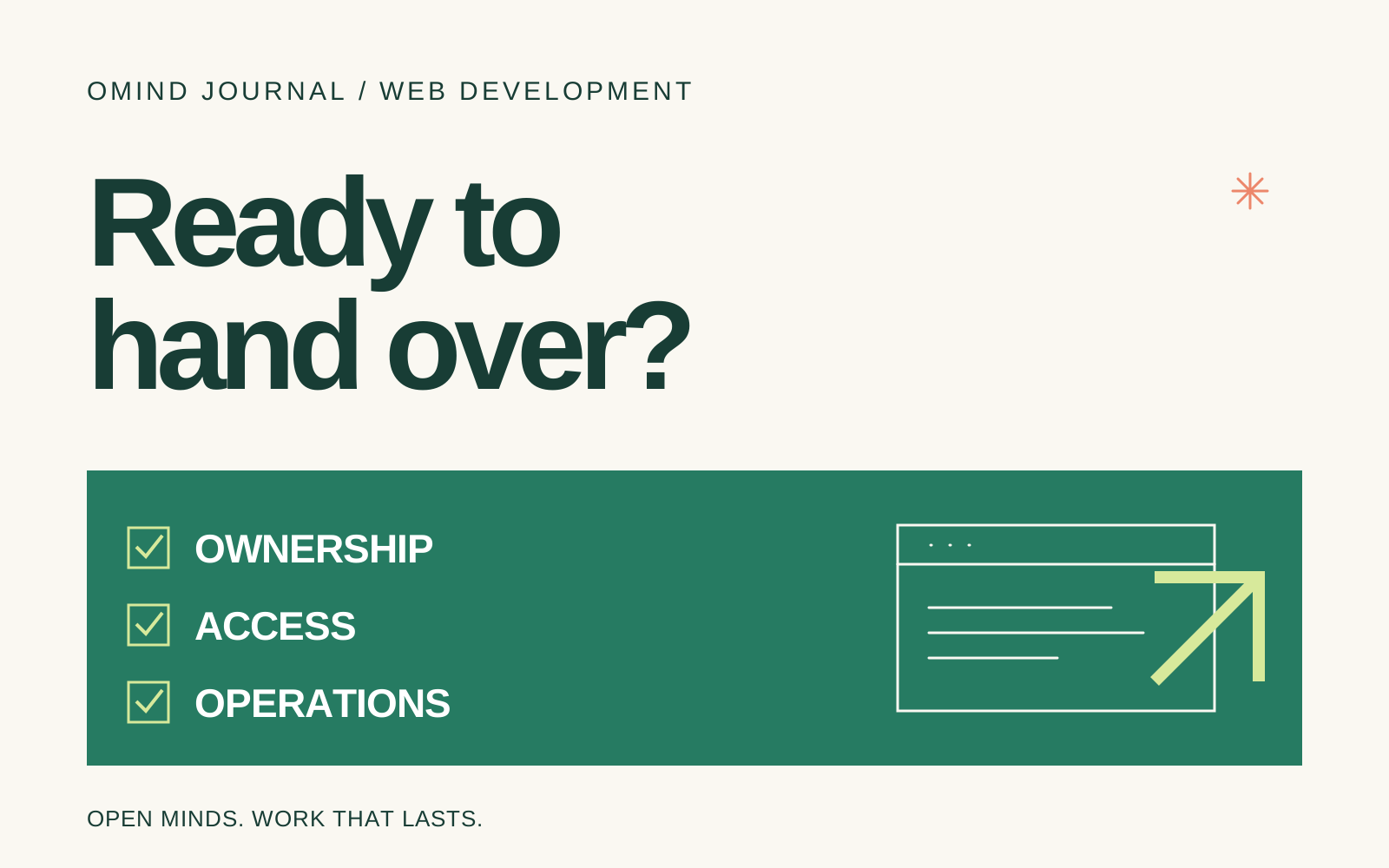
A website that opens in a browser is not necessarily ready for handover. A business owner needs to know who controls the domain, where form submissions are stored, and what happens if the site becomes unavailable. Without this clarity, even a routine content update can depend on one person.
A useful handover helps the receiving team understand its assets, access, and operational responsibilities. Use the following checklist as a discussion guide with your developer. Adapt it to the agreed service scope; different websites have different technical needs.
Make ownership and assets explicit
Record the domain, hosting provider, email service, code repository, analytics account, and supporting services such as forms or image storage. For each asset, identify the account owner, renewal responsibility, recovery contact, and people with access. The party designated as the owner in the project agreement should be able to control its principal accounts.
Distinguish company-owned assets from services managed by a vendor. For subscriptions or licensed materials, document the usage terms and what happens when the working relationship ends. A password sent in a chat should not be the sole record of account ownership.
Test the work people actually do
Run realistic scenarios together. A marketer updates a headline, an administrator replaces an image, and a prospective customer submits a form. Confirm that the submission reaches the agreed destination, errors are understandable, and previously entered information survives a correction.
- Main menus and links lead to the correct pages.
- Content remains readable and usable on small screens.
- Forms are checked from entry through receipt of the submitted information.
- Administrators can sign in, update content, and sign out with appropriate access.
- Missing-page screens help visitors continue navigating.
Record the devices and environment used for verification. “Tested” should describe something the receiving team can inspect, including areas that could not be verified because access or integrations were unavailable.
Review content, search readiness, and company identity
Check the company name, address, contact details, services, and images. Make sure the team understands usage rights for imagery and fonts. Remove sample content, test links, and testimonials that have not been approved for publication.
For search readiness, review page titles and descriptions, heading structure, meaningful image alternatives, the sitemap, and indexing rules. When replacing an older website, discuss its existing URLs and redirects. These checks establish an SEO foundation; search rankings still depend on many factors after launch.
Receive documentation the team can use
Documentation does not need to be an inaccessible technical manual. Request instructions for the actual tasks the team will perform: publishing articles, changing contact details, replacing images, managing user access, and checking incoming inquiries. Include image constraints, publishing behavior, and a clear way to request help when an update fails.
For a technical receiving team, agree on repository access, local setup and release instructions, configuration requirements, and recovery procedures. Secret values should not appear openly in the guide. Access credentials and sensitive configuration need a separately agreed transfer method.
Include a practice session for the receiving team. Ask them to complete a content update using the guide and clarify any confusing steps. A recorded demonstration can help, but retain searchable written instructions for individual tasks.
Clarify backups and support after launch
Ask what information is backed up, who checks backup completion, and how a restore would work. A copy of some files is not evidence that the complete website can be recovered. If restoration testing is included in the project, document the result and its limitations.
Distinguish defect fixes, routine maintenance, and new feature work. Agree on the reporting contact, the information needed when an issue occurs, and the support period defined by the contract. This gives post-launch needs a clear path without assuming every future change is included.
Close with an honest status record
Prepare a summary of accepted items, open corrections, missing access, and the person responsible for each follow-up. The receiving team should understand the website’s condition when it approves handover. If you are planning a new site or improving an existing one, review our web development service and discuss operational requirements at the beginning of the project.
Join the conversation.
Read reader responses, ask a question, or share your experience.
Keep exploring.
All articles
Technology
Software Houses in the AI Era: Relevant or Replaced?
Amidst the deafening roar of the AI revolution, a crucial question arises: will the role of software houses be eroded? At OmindTech, we understand this concern. This article will guide you through how artificial intelligence, far from being a threat, is actually opening a new chapter for software houses, allowing them to transform into indispensable strategic partners. Let's dive deeper into this shift and uncover the true value that human expertise firmly holds amidst a sea of AI-generated code.

Technology
Programmers in the AI Era: Collaborators or Replacements?
The rise of Artificial Intelligence sparks a big question: will the role of programmers diminish? At OmindTech, we see this not as a threat, but an evolution. AI actually opens new opportunities, transforming programmers from mere code writers into innovative solution architects shaping the future of technology.

Business Systems
Orkesa.id: Business Transformation with OmindTech's Integrated System
Imagine an orchestra where every instrument plays in perfect harmony, creating a beautiful symphony. That's how Orkesa.id works for your business. At OmindTech, we understand that managing various operational aspects – from finance to customer interactions – can be a significant challenge. Orkesa.id emerges as a digital conductor, unifying ERP, CRM, sales automation, and even chatbots, transforming chaos into a symphony of efficiency and growth.
LET’S WORK TOGETHER
Start with your story.
One conversation can open up a new perspective. Tell us about your challenge.